
Social Media 5
Quiz by Donald Taylor
Customize this quiz to suit your class
Instantly translate to 100+ languages
Tag the questions with any skills you have. Your dashboard will track each student's mastery of each skill.
Give this quiz to my class
​What is Social Media? Choose the best answer.
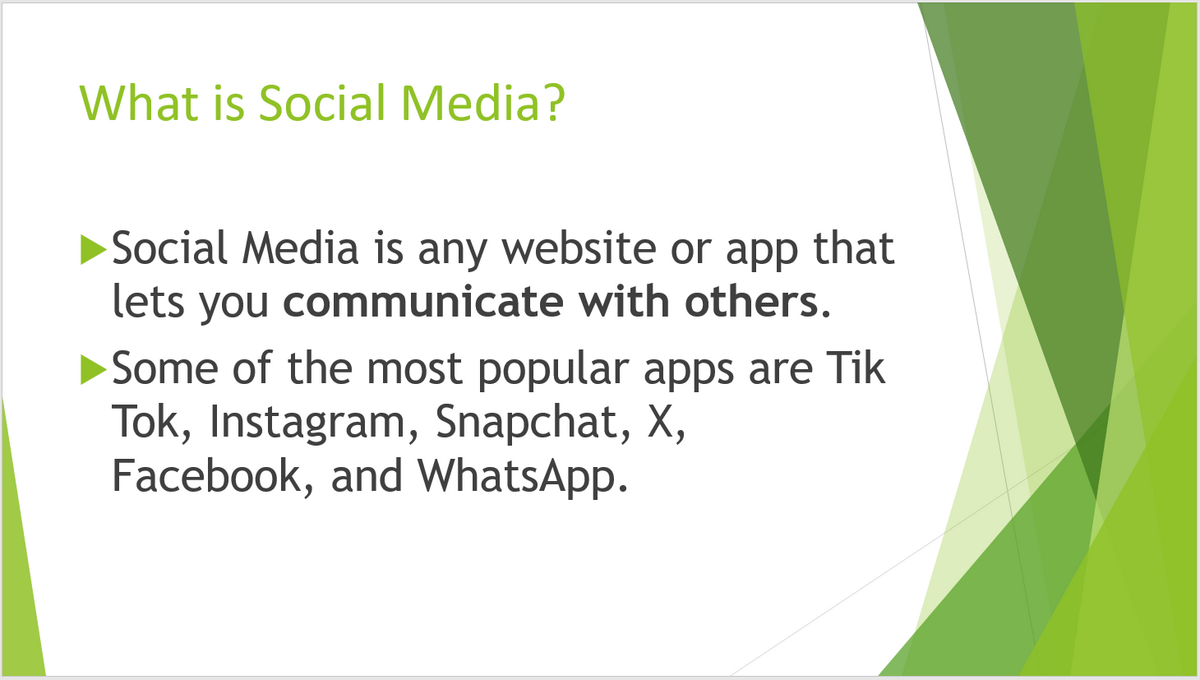
Social media is an app that lets you share information with others.
Social media is for learning how to do new things.
Social media is a website for taking pictures with other people.
Social Media is an app that lets you share your pictures and videos.
​How do people use Social Media? Choose the best answer.
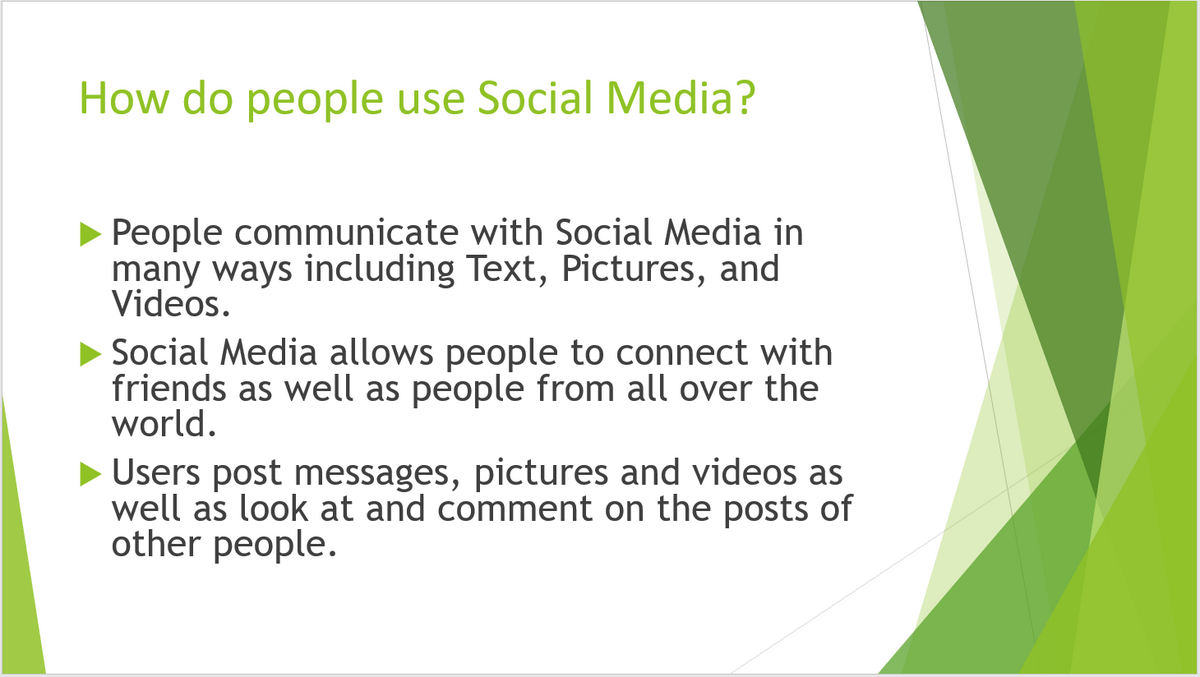
People use Social Media to post pictures and videos and comment on other people.
People use Social Media to communicate with text, pictures, and phones.
People use Social Media to teach new dances, and find the best games.
People use social media to send messages to just their friends.
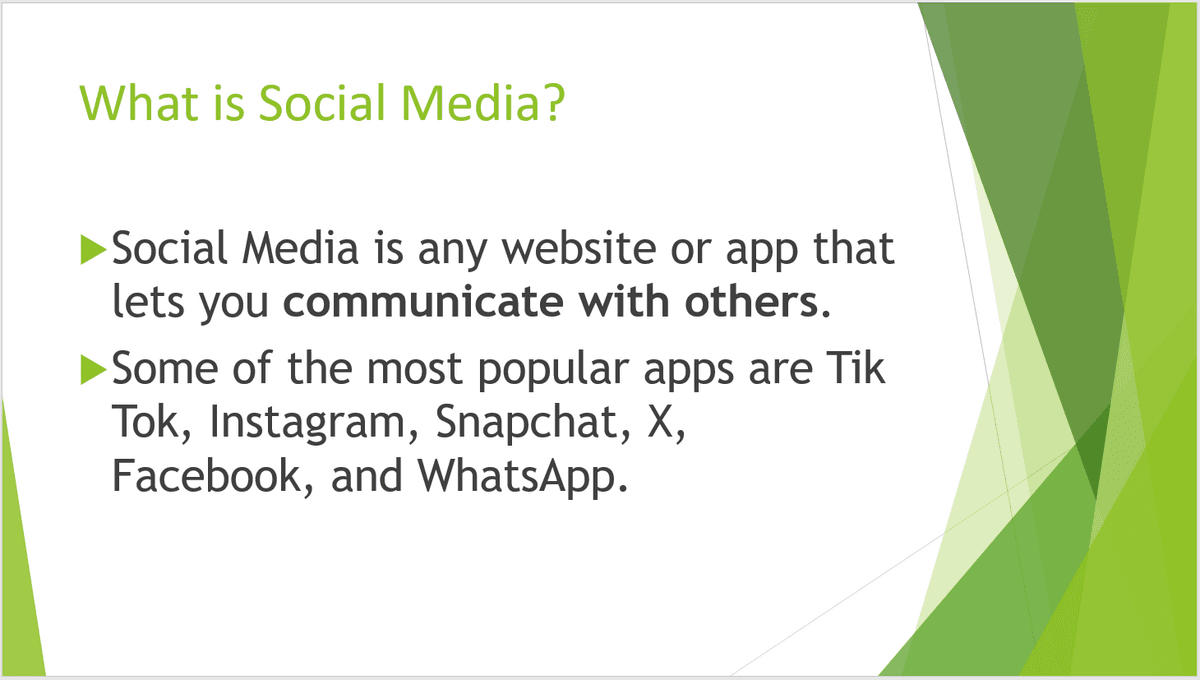
What is Social Media? Choose the best answer.
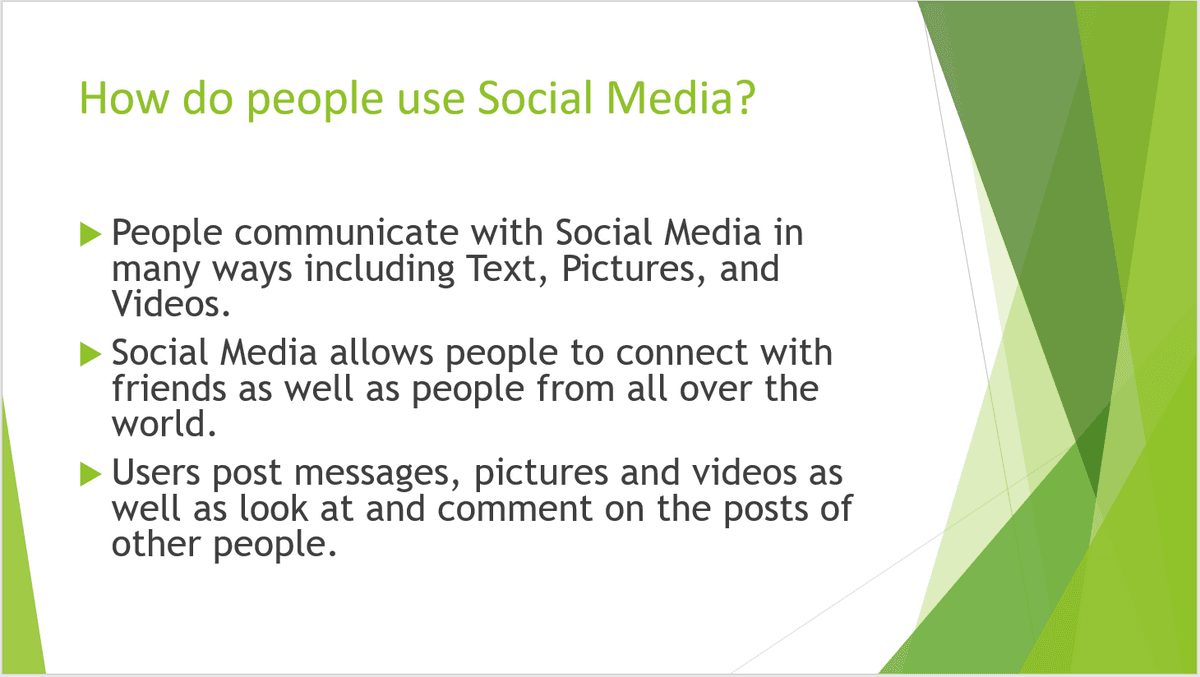
How do people use Social Media? Choose the best answer.
Which list shows only Social Media apps?

Who do people connect with on Social Media?
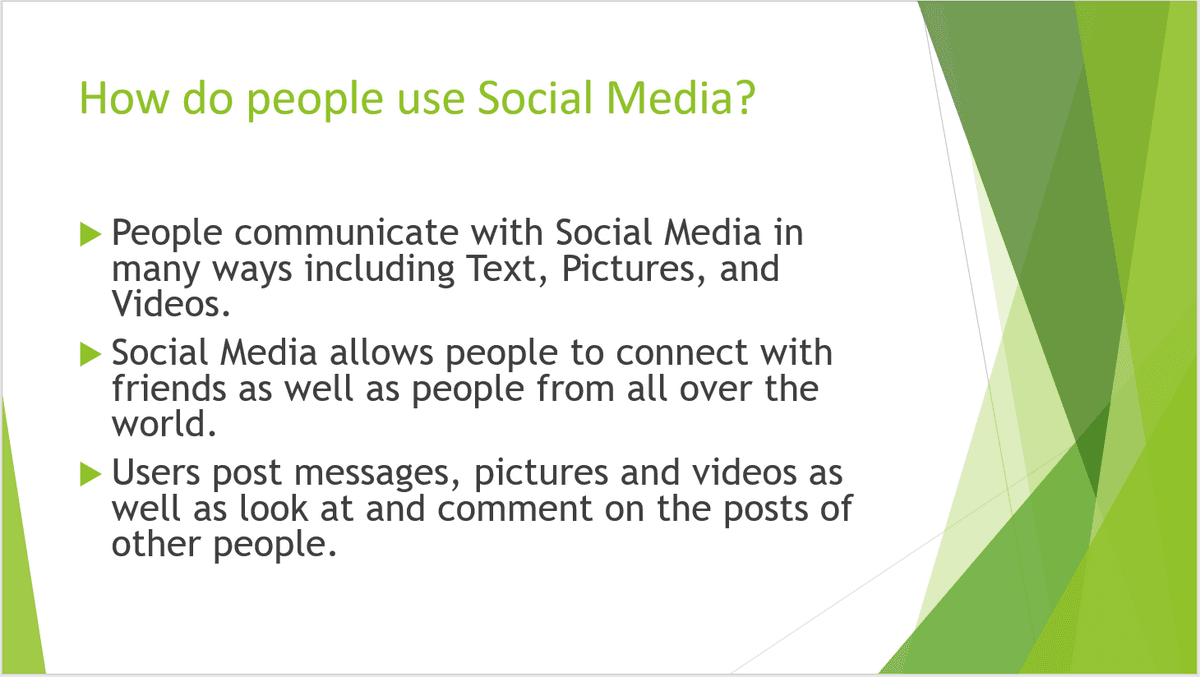
How is information you get on Social Media different from information you get from a newspaper?
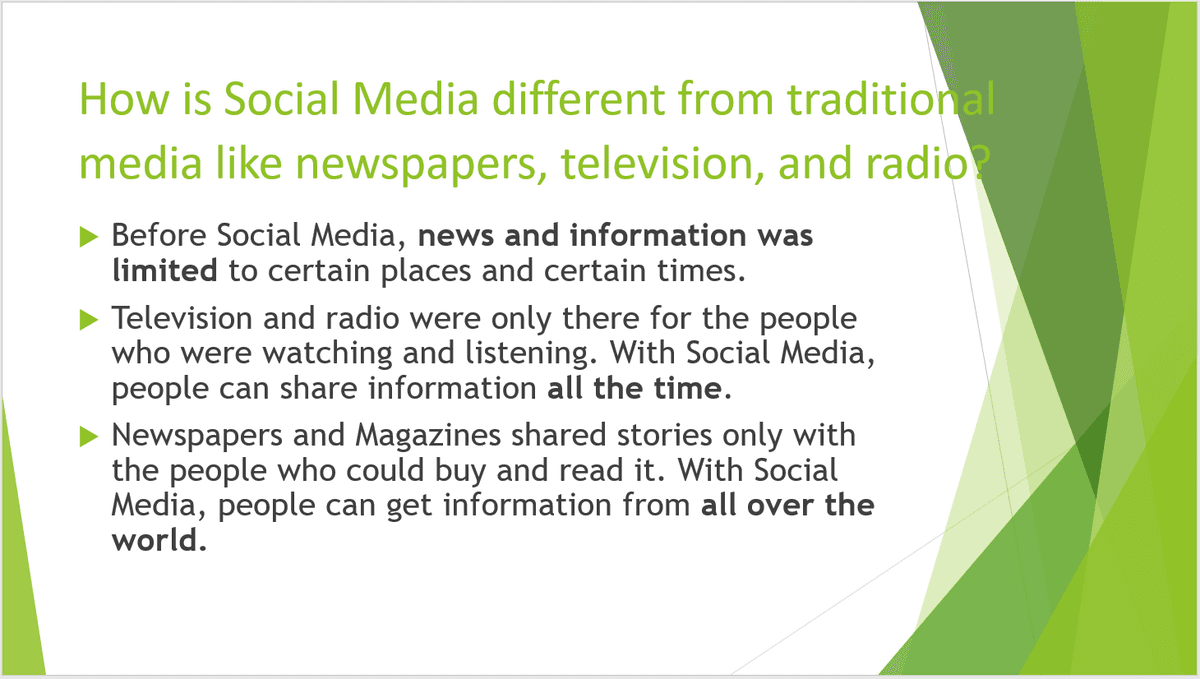
Which list shows positive things that Social Media does.
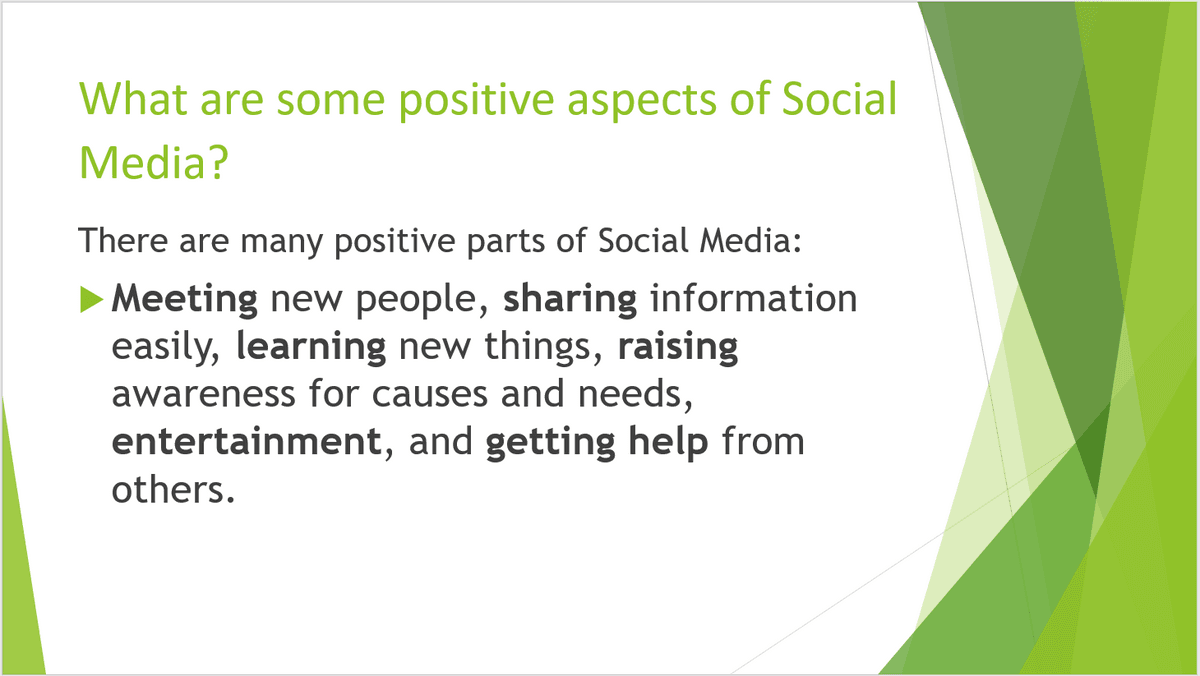
What does it mean when you say Social Media has created a culture of perfect?
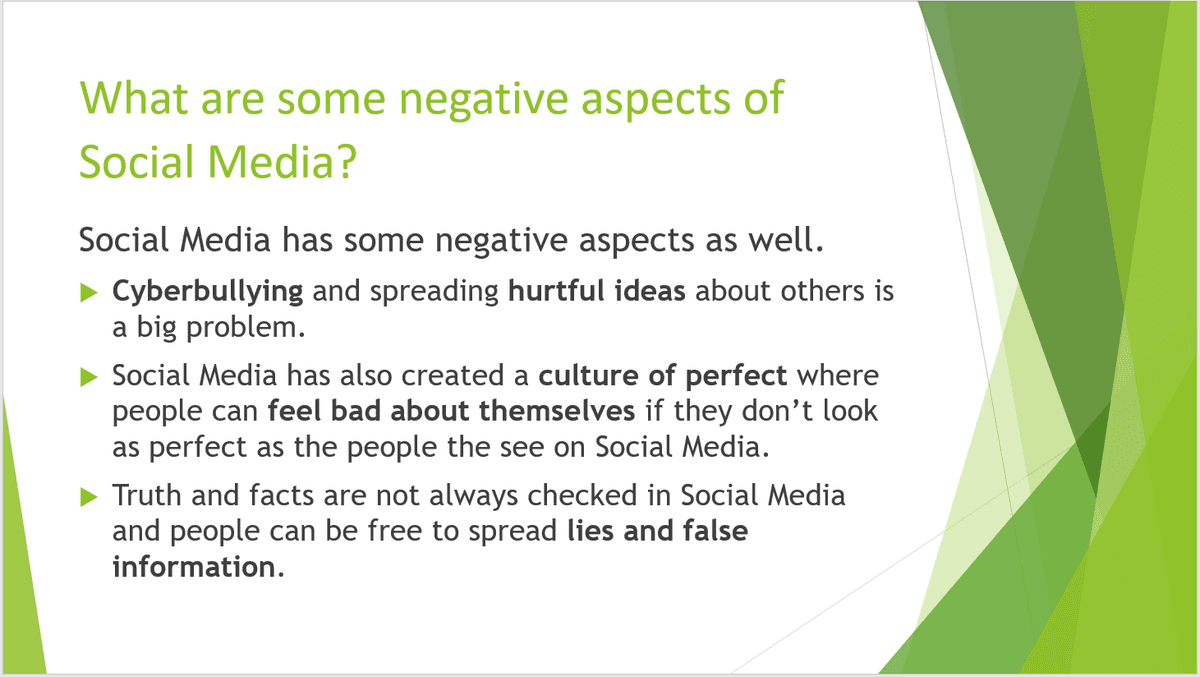
Which of the things in the list is not a negative aspect of Social Media?
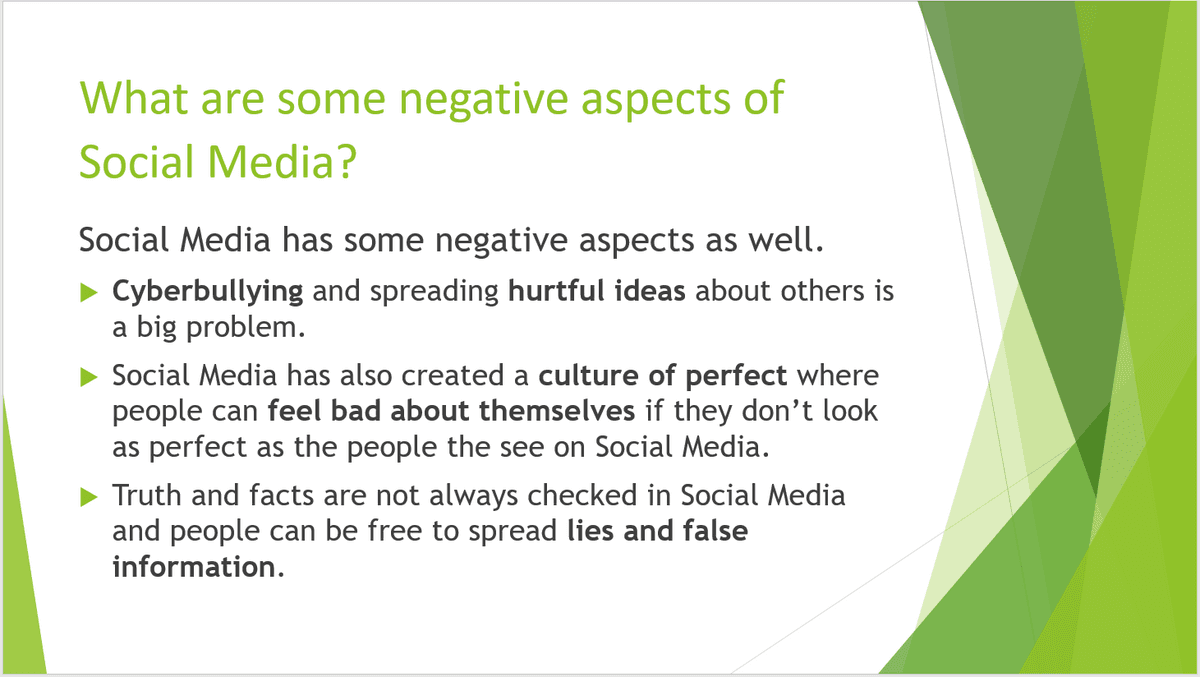
What is your digital footprint?
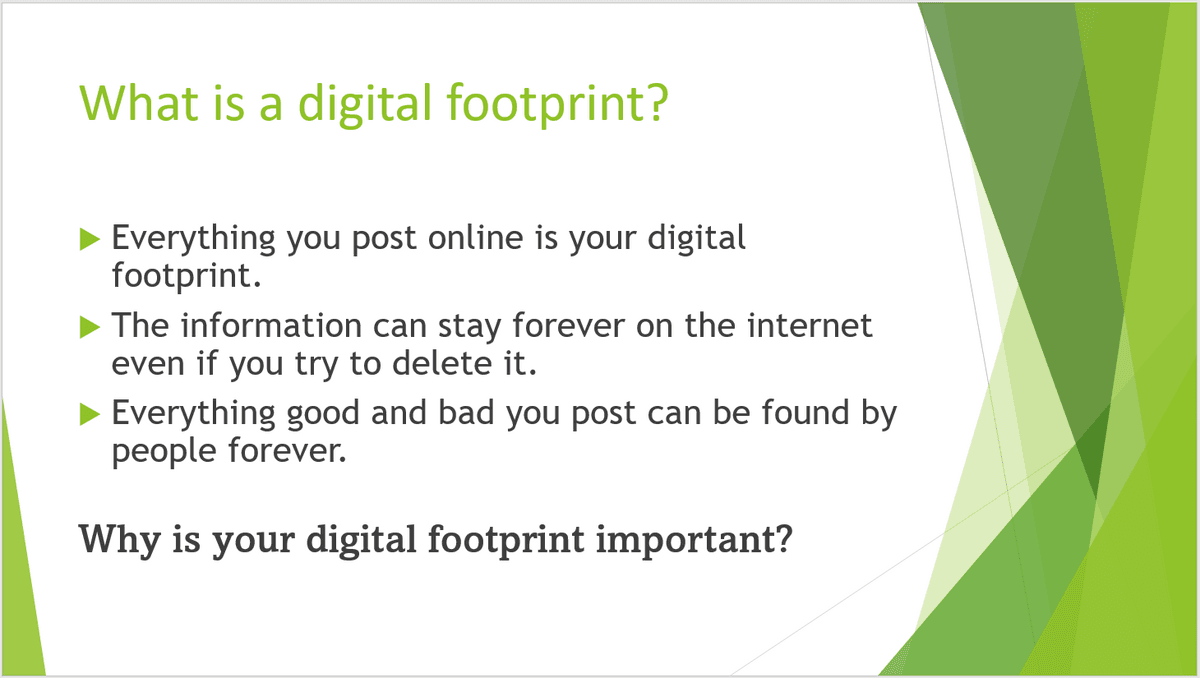
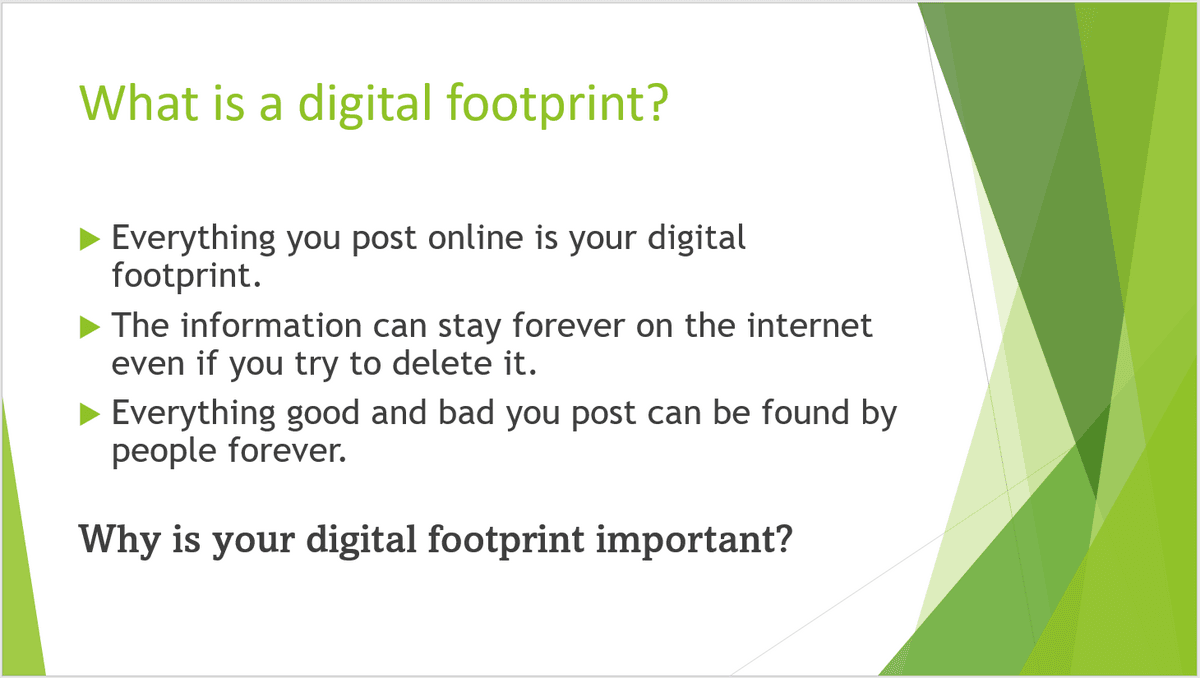
Why should you keep your digital footprint as clean as possible?
Social Media Quiz 5/21
Social Media Quiz 5/22
2 Grade 5 Social Media and Social Networking
50 Social Media Posts in 5 Minutes with ChatGPT and Canva!
How to Create and Schedule 30+ Social Media Posts in 5 Minutes With ChatGPT, Canva and ContentStudio
3 Grade 5 Computer-Lesson-2-Social-Media Activities
12 Different Behaviors in Social Media 1. The Ultras – check feeds dozens of times a day. Happily, admit their obsession. (14% of Facebook users spend at least 2 hours a day on the network) 2. The Deniers – social media do not control their lives, but gets anxious when unable to access networks. (20% of Facebook users would feel anxious or isolated if they had to deactivate their accounts. 3. The Virgins – taking first tentative steps in social media (19% of British people don’t use any social networks) 4. The Peacocks – popularity contest, high numbers of followers, fans, likes and retweets. (1 out of 10 Twitter users want more followers than friends.) 5. The Lurkers – hiding in the shadows of cyberspace. Watches what others are saying, but rarely (if ever) participate themselves. (45% of Facebook users described themselves as “observers”) 6. The Ranters – mock and mid in face-to-face conversations. Highly opinionated online. 7. The Changelings – adopt completely new personality online so no one knows their real identities. 8. The Ghosts – create anonymous profiles, for fear of giving out personal information to strangers. .9. The Informers – seek admiration by being the first to share the latest trends with audiences. 10. The Approval Seekers – constantly check feeds and timelines after posting. Worry until people respond. 11. The Quizzers – asking questions allow them to start conversations. 12. The Dippers – access their pages infrequently, often going days, of even weeks without posting.
5.1 Personal data Personal data is any data that relates to you and your identity. This includes data such as: •Name •Address •Telephone number •Email address •Bank details •Medical records •Salary •Political opinions You should be very careful about revealing any of your personal data! By revealing personal data to another, especially online, you are exposing yourself to dangers such as identity theft, fraud, bullying and blackmail. These types of dangers can be issues that arise as a result of revealing more personal thoughts and feelings to those that can use them against you. It is a more sinister viewpoint to take, but the moment you reveal any personal data to another, you are providing them with the potential to harm you or your identity. This isn't to say you should never speak to another, especially those unknown online, just understand how to recognise a danger and how to keep your identity secure. To keep yourself safe in your daily life, you are likely to have been taught to take measures such as locking doors, not talking to strangers and not venturing into unsafe areas. However, when many people go online, they relax their safety measures, perhaps because they are in the comfort of their own home, so do not think anything negative will happen. Many people that use the internet are genuine, but knowing how to detect the few that aren't is important. There are several guidelines for you to be aware of to keep your personal data confidential: •Have strong passwords set on any account that holds personal data. Stronger passwords include characters, numbers and symbols and are not a recognisable word. •Encrypt (scramble text so that it cannot be read without a decryption key) any personal data that you store on your computer. •Have a firewall present, scanning incoming and outgoing data from your computer system. •Regularly scan your computer with preventative software, such as an anti-virus package, that is used to identify a virus on a computer and remove it. •Make use of any biometric devices (devices that measures a person's biological data, such as thumbprints), that are built into technology. •Only visit and provide data to websites that are a trusted source. •Do not open any email attachments from a sender you do not recognise. •Check the URL attached to any link requesting data to see if it is genuine. •Be cautious about any pictures or opinions that you post or send to people. •Remove data about your location that is normally attached to your photos and videos that you may post, such as geotags. •Do not become friends on social networking sites with people you do not know. •Set all the privacy controls to the most secure setting that are available on social media accounts. •Report and block any suspicious user. •Use a nickname or pseudonym when using the internet for entertainment, for example, playing games. •If it is possible, use a virtual private network (VPN), an encrypted connection that can be used to send data more securely across a network. The ways in which some of these guidelines can be used in more detail will be explored throughout this chapter.