Loading...


This Looks - pr blend + 1 and 2 nouns
Quiz by Justin Burke
Customize this quiz to suit your class
Instantly translate to 100+ languages
Tag the questions with any skills you have. Your dashboard will track each student's mastery of each skill.
Give this quiz to my class
Can you spell this word?
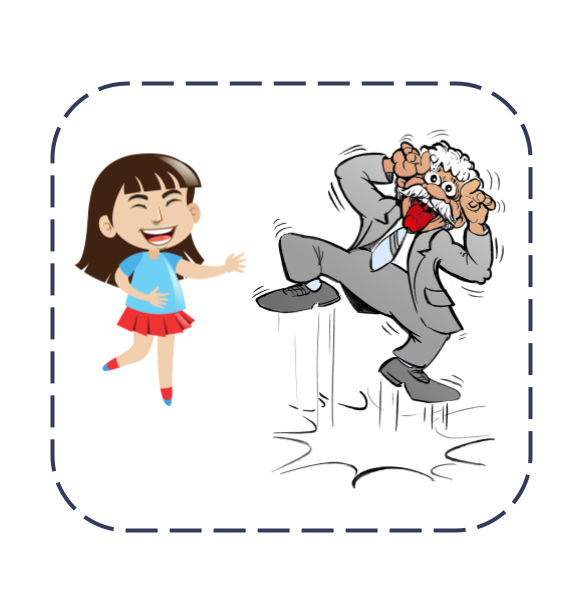
Can you spell this word?

Can you spell this word?
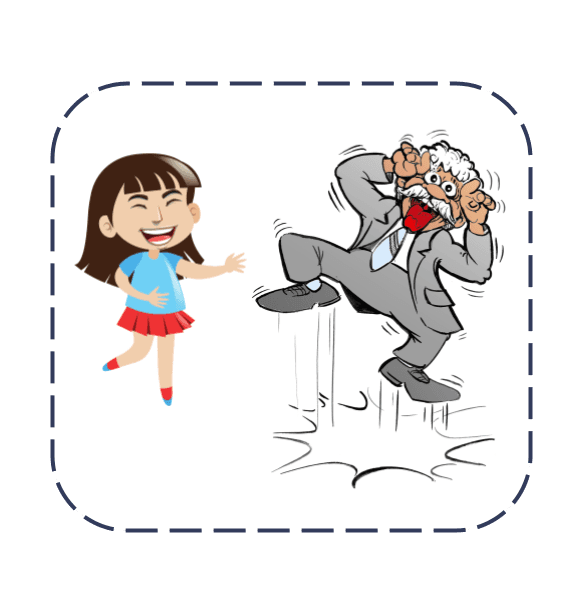
Can you spell this word?

Can you spell this word?
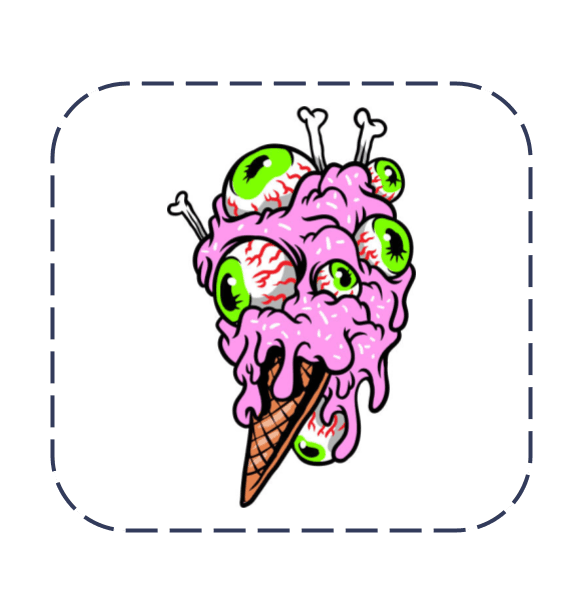
Can you spell this word?
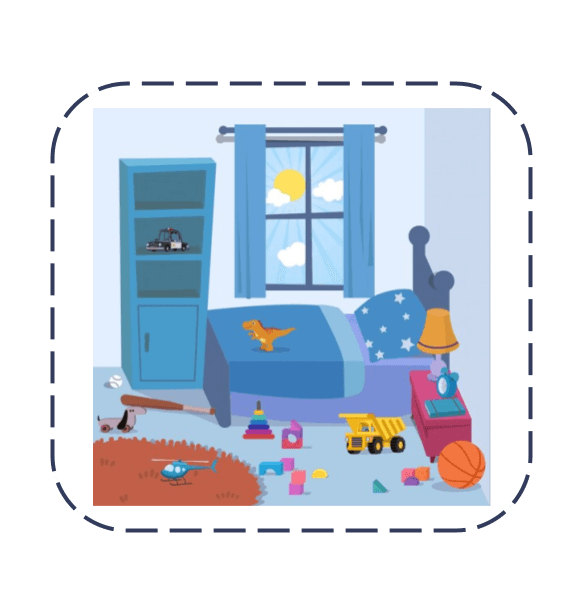
Can you spell this word?

Can you spell this word?
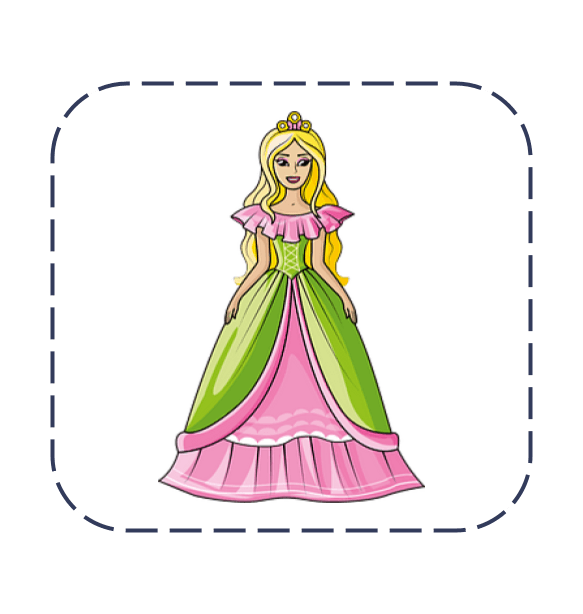
This beach ______ pretty.

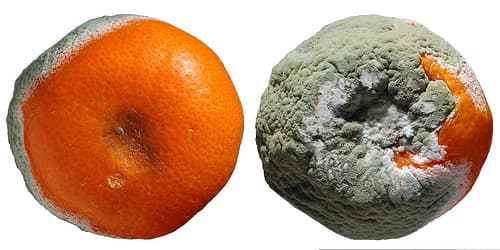
These oranges ______ gross.
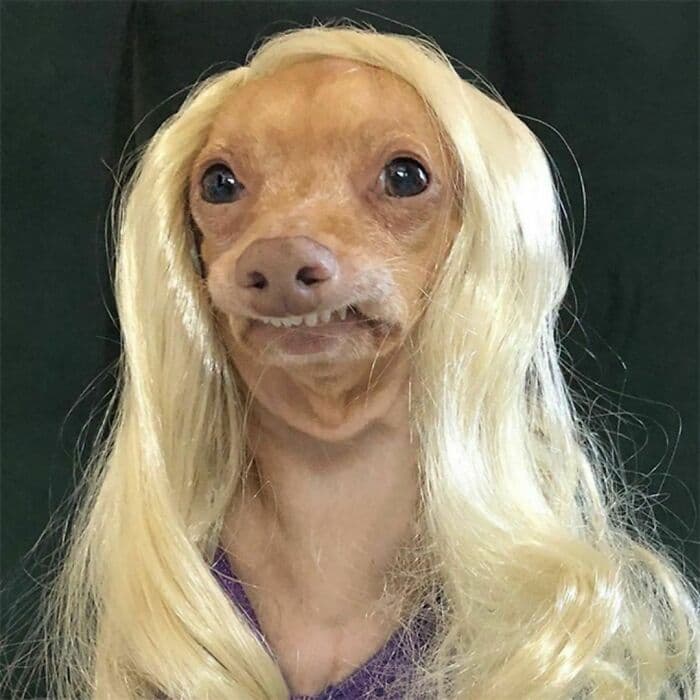
This dog ______ funny.
These diamonds ______ shiny.

This room ______ messy.
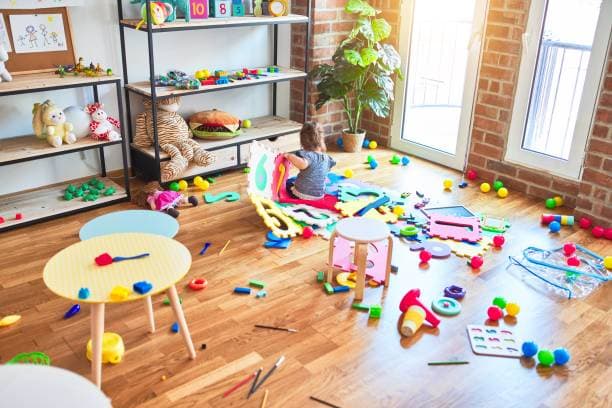
This room ______ tidy.
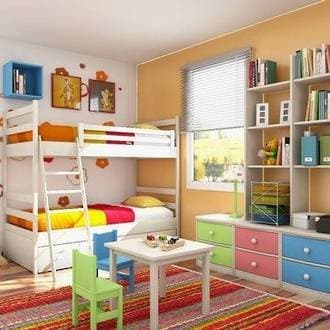 This looks fun!Tagalog Word English Meaning English Sentence tulad like / similar to This fruit looks like (tulad) an apple. baitang grade / step I am in Grade (baitang) 4 this year. libangan hobby / pastime Reading is my favorite hobby (libangan). kapag when / if I smile when (kapag) I see my dog. nagigising waking up She is waking up (nagigising) early. nagsusuot wearing He is wearing (nagsusuot) a jacket. damit clothes My clothes (damit) are clean. iyon that (far) That (iyon) is my old toy. para for / stop (for jeepney) This gift is for (para) you. almusal breakfast I had rice and eggs for breakfast (almusal). bago before / new I wash my hands before (bago) eating. magsipilyo to brush teeth Don’t forget to brush (magsipilyo) your teeth. ayusin to fix Let’s fix (ayusin) your messy hair. buhok hair Her hair (buhok) is long and curly. ihatid to bring / drop off I will bring (ihatid) you to school. naglalakad walking We are walking (naglalakad) to the park. papuntang going to He is going to (papuntang) the store. kaibigan friend My friend (kaibigan) is kind. pag-uwi going home I rest after going home (pag-uwi). hawakan to hold Please hold (hawakan) my hand. bahay house / home This is our house (bahay). Make a quiz using this gagalog vocabulariesTimmy: Wow, this food looks good. I’m hungry. Dad: Let’s go inside. Dad: What do you want to eat? Timmy: I want a burger and some fries. Dad: Do you want anything else? Timmy: I also want an ice cream. Waiter: Are you ready to order? Dad: Yes, we are. We want three burgers, fries, and one ice cream. Create MCQs from this text "For as long as we can remember, innovation has been a top priority—and a top frustration—for leaders. In a recent McKinsey poll, 84% of global executives reported that innovation was extremely important to their growth strategies, but a staggering 94% were dissatisfied with their organizations’ innovation performance. Most people would agree that the vast majority of innovations fall far short of ambitions. On paper, this makes no sense. Never have businesses known more about their customers. Thanks to the big data revolution, companies now can collect an enormous variety and volume of customer information, at unprecedented speed, and perform sophisticated analyses of it. Many firms have established structured, disciplined innovation processes and brought in highly skilled talent to run them. Most firms carefully calculate and mitigate innovations’ risks. From the outside, it looks as if companies have mastered a precise, scientific process. But for most of them, innovation is still painfully hit-or-miss. What has gone so wrong? The fundamental problem is, most of the masses of customer data companies create is structured to show correlations: This customer looks like that one, or 68% of customers say they prefer version A to version B. While it’s exciting to find patterns in the numbers, they don’t mean that one thing actually caused another. And though it’s no surprise that correlation isn’t causality, we suspect that most managers have grown comfortable basing decisions on correlations. Why is this misguided? Consider the case of one of this article’s coauthors, Clayton Christensen. He’s 64 years old. He’s six feet eight inches tall. His shoe size is 16. He and his wife have sent all their children off to college. He drives a Honda minivan to work. He has a lot of characteristics, but none of them has caused him to go out and buy the New York Times. His reasons for buying the paper are much more specific. He might buy it because he needs something to read on a plane or because he’s a basketball fan and it’s March Madness time. Marketers who collect demographic or psychographic information about him—and look for correlations with other buyer segments—are not going to capture those reasons. After decades of watching great companies fail, we’ve come to the conclusion that the focus on correlation—and on knowing more and more about customers—is taking firms in the wrong direction. What they really need to home in on is the progress that the customer is trying to make in a given circumstance—what the customer hopes to accomplish. This is what we’ve come to call the job to be done. We all have many jobs to be done in our lives. Some are little (pass the time while waiting in line); some are big (find a more fulfilling career). Some surface unpredictably (dress for an out-of-town business meeting after the airline lost my suitcase); some regularly (pack a healthful lunch for my daughter to take to school). When we buy a product, we essentially “hire” it to help us do a job. If it does the job well, the next time we’re confronted with the same job, we tend to hire that product again. And if it does a crummy job, we “fire” it and look for an alternative. (We’re using the word “product” here as shorthand for any solution that companies can sell; of course, the full set of “candidates” we consider hiring can often go well beyond just offerings from companies.)"Align Panel: This panel allows you to align one or more objects the the artboard or other objects. Alignment: Formatting the appearance of text with the margins of the text box. Anchor Point Tool: Allows you to add or remove handles to create a curve on an anchor point. Anchor Points: A point on a path indicates a change of direction. Appearance Panel: This panel shows you the fill, strokes, graphic styles, and effects that have been applied to an object, group or layer and are able to modify theses from this panel directly. Area Type Tool: This occurs when using the type tool and you click and drag a text box, the text will automatically wrap inside the box. Blend Tool: This tool allows you to combine shapes/colors between two or more objects to create a new object between the original, blending the colors and shapes by inserting the middle steps to get from one object to the next. Blob Brush Tool: This tool is used to create free-form objects that can have a more hand-drawn feel. Brushes: Allows you to set the appearance/style of a path, can be applied to existing paths or used to create new paths. Clipping Masks: This command allows you to mask objects to a shape so that only areas that lie within the shape are visible, the mask and objects that are masked are called a clipping set. Closed Path: A path that has the same beginning and ending point. It forms a complete shape that can be filled with color or text. Create Outlines: This command converts text to closed paths and can be found in the Type Menu. Curvature Pen Tool: Allows you to simply create paths with curved anchor points. Curves: Can be applied to an anchor point using handles to create an arched line. Direct Select Tool: Allows you to select individual points of any path. Effects: These can be added to objects to create quick dynamic characteristics. Eraser Tool: This tool allows you to remove anchor points and cut through paths. Expand Objects: This allows you to divide a single object into multiple objects that make up its appearance. Eyedropper Tool: This tool allows you to sample the color or text from an existing part of the artwork. Global Swatches: This is a color swatches that will be automatically updated throughout your artwork when you change them, indicated with a white triangle in the corner of the swatch. Graphic Styles: A set of reusable appearance attributes that allow you to quickly change the look of an object. Grouping: This command allows you to link objects together so that they can be moved, scaled, rotator, or copy. Groups can be nested inside other groups. Hierarchy: To create visual order in design, controlling what the viewer looks at in order using size, color, contrast, etc… Image Trace: This command allows you to convert a raster image into a vector artwork. Isolation Mode: This mode allows you to adjust single objects/groups inside a group without ungrouping the group. Join Tool: This tool joins paths and anchor points together quickly. Kerning: This is the adjustment of the space between two individual letters. Knife Tool: This tool allows you to split an object into 2 pieces along a freehand path you draw. Leading: This is the adjustment of the space between lines of text. Live Corners: This widget appears when using the Direct Select tool and a corner is selected, when used this will create a rounded corner. Live Paint: This command allows you to quickly apply colors to objects in a complex design. Open Path: A path that does not end, not connected back to the original anchor point. Overflow Text: This occurs when the text box is too small to house all the text and is indicated by a small red plus sign in the bottom right corner of the text box. Paintbrush Tool: This tool is used to create free-form paths that can have a more hand-drawn feel. Paragraph Spacing: The space that occurs between lines of text. Pathfinder Panel: This panel allows you to create complex shapes by selecting 2 or more objects and using the buttons in the panel to cut, combine, or divide the objects. Paths: These are created when 2 or more points are connected, these are created using the pen tool. Pen Tool: It allows you to create and edit anchor points and paths. Pencil Tool: This tool is used to create free-form shapes or lines, the accuracy of the lines can be adjusted. Perspective Tool: This tool allows you to place elements on a perspective grid to adjust objects on a different perspective, automatically snapping to the perspective grid. Placeholder Text: Text that is placed in a text box that "holds a place" in a design to allow for creating a layout or adjust the text design. Point Type Tool: This occurs when when using the type tool and you click once, the text will continue without wrapping. Readability: The characteristics of fonts and styles that make test easy to identify and read. Scale, Shear, Distort Objects: This set of commands allows you to adjust the size and perspective of objects. Scissors Tool: This tool allows you to split a path into 2 pieces. Selection Tool: Allows you to select paths, objects or groups by click or dragging over them. Shape Builder Tool: This interactive tool allows you to create complex shapes by merging and erasing simpler objects. Shapes Tools: A group of tools to create basic shapes without using the pen tool (rectangle, ellipse, polygon, star, etc…). Smooth Tool: This tool will smooth a complex path and reduce the number of anchor points. Swatches: This is a saved color that can be applied in a design via the swatches panel and can be grouped, these can include gradients and patterns. Text Wrapping: This is when the text in a text box automatically wraps to the next line when it reaches the edge of the box. Threading Text: This is the ability to create 2 or more text boxes that are linked, when text is added/adjusted in one box, it will affect the other(s). Touch Type Tool: This tool allows you to adjust individual letter in a previously created text box. Tracking: This is the adjustment of the overall spacing between letters. Transform Objects: This allows you to change the size of objects. Type on a Path Tool: This tool allows you to add text along any previously created path. Type Tool: This tool allows you to create text in a design. View Modes: Ability to view projects and adjust the display on the screen. Modes include Outlines, Presentation, & Full Screen.Treasure Adventure On the map there is a picture. This is Ben's sea adventure. He looks again at the picture and he sees gold. Ben is sailing on his ship with pirates. They are sailing through the islands. He sees another pirate ship. He sees a flock of vultures. Oh no! Ben is getting closer to the island. He is getting closer to his treasure. Wait, what's that? A shark? He cannot figure out if it's a creature. Ben lands on the island. They are happy to see nature. Wait, what's that in the distance? It is treasure! A great mixture of gold and silver.A Visit to the Desert Tim was looking forward to this vacation. Then his parents told him the family would be visiting Grandma in Nevada. Tim was unhappy. He wanted to be with his friends this summer. "Grandma is eager to see you," Mom said. "She can't wait to take you on a desert hike." The next morning Grandma met them at the airport. Then they drove to the desert. As they hiked, Grandma explained that animals enjoy the open desert space. It gives them the freedom to move from place to place. Tim learned that the animals find ways to adapt to the hot desert weather. He wondered if he could get used to the desert climate. "Wow," Tim said, "Look at that! The turtle carries its home on its back!" Grandma smiled at Tim's excitement. "Actually," she said. "That is a desert tortoise. It looks for the shade made by the shadows of rocks. That's how it cools off. He burrows underground to get away from the heat." The tortoise disappeared into its burrow. Tim leaned over the hole. He could not hear a sound. "I'll bet it likes the silence of its burrow," Tim whispered. "I think it likes its sense of safety too," Grandma added. "That's the same feeling I get at home," Tim sighed. Just then a large rabbit hopped by. Grandma explained that the jack rabbit's large ears help it stay cool. "These animals are so unlike the animals at home!" Tim said. He had forgotten about the desert heat. "Some animals stay cool by sleeping during the day. Then they hunt at night," said Grandma. A Great Horned Owl hooted above them. Grandma said, "It will soon be time for the owl to hunt." "Which means it's time for us to head back," Dad added. "Aw, this vacation is going by too fast," Tim said. They asked Tim about the heat. "What heat?" Tim asked. "I feel as fresh and cool as a new flower. I've adapted!" Everyone laughed.A Prairie Guard Dog I am on a journey. My trip is to a prairie. It is in the outdoor world called nature. Many animals live in a prairie habitat. This place has what prairie dogs need to survive. A prairie has a lot of grasses but few trees. Without places to hide, a prairie can be dangerous for some animals. Good Morning! It is early in the morning. First, I see a prairie dog. I name him Pete. He peeks his head out of his burrow underground. He looks around. Then Pete calls loudly to his family, "Yip!" He lets them know it is safe to come out. Soon four prairie dogs come out. Pete is the guard and he is restless. He cannot rest because he is always looking around for danger. This allows the other prairie dogs to safely munch on grasses and seeds. They can also groom each other or work on their burrow. A Scare Oh no! Pete spies a large badger! When he sees it, he gives a loud bark, "Yap! Yap!" His family recognizes the warning. Some hide in tall grasses, and some jump into the burrow. The badger runs at Pete, but the watchful guard is able to escape into the burrow. I am glad he is able to get away from danger. After a few minutes, Pete peeks his head out again and he is back on the job. Break Time The sun gets higher, and it is hot now. The prairie dogs slip into their deep burrow where it is cooler. Even Pete goes in. Tunnels, like hallways, lead to different areas. There is a sleeping room. There is a room used like a bathroom. The prairie dogs cover up roots and seeds in one room. Later, they eat the buried food there. Second Shift I keep watching the burrow. Finally, the sun begins to set and a different prairie dog peeks its head out. I name him Gary. Pete must be off duty. "Yip," Gary calls. The other prairie dogs come back out. The prairie dogs eat and play until the moon is high in the sky. Then they go to sleep in their burrows. I wonder if Pete will be back on duty. I will see in the morning.