Feel free to use or edit a copy
includes Teacher and Student dashboards
Measure skillsfrom any curriculum
Measure skills
from any curriculum
Tag the questions with any skills you have. Your dashboard will track each student's mastery of each skill.
With a free account, teachers can
- edit the questions
- save a copy for later
- start a class game
- automatically assign follow-up activities based on students’ scores
- assign as homework
- share a link with colleagues
- print as a bubble sheet
9 questions
Show answers
- Q1What keys do you press to copy something you have selected (words, images, ...)ctrl calt cshift ctrl cshift c30s
- Q2The keyboard shortcut to Paste something you just copied from a document or onscreenalt pctrl vctrl xctrl p30s
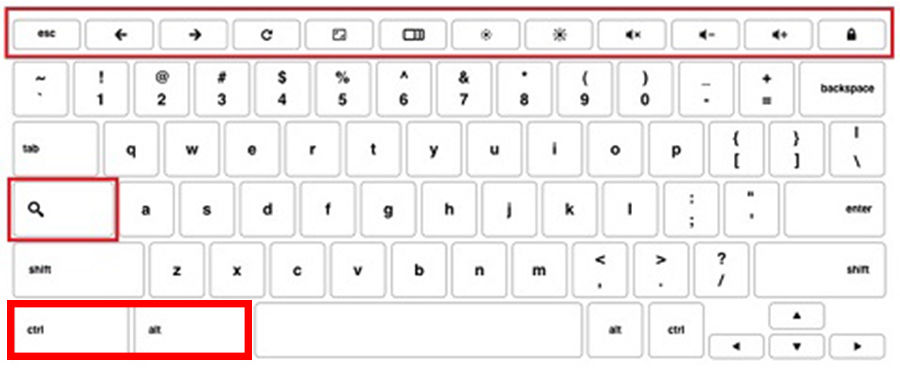
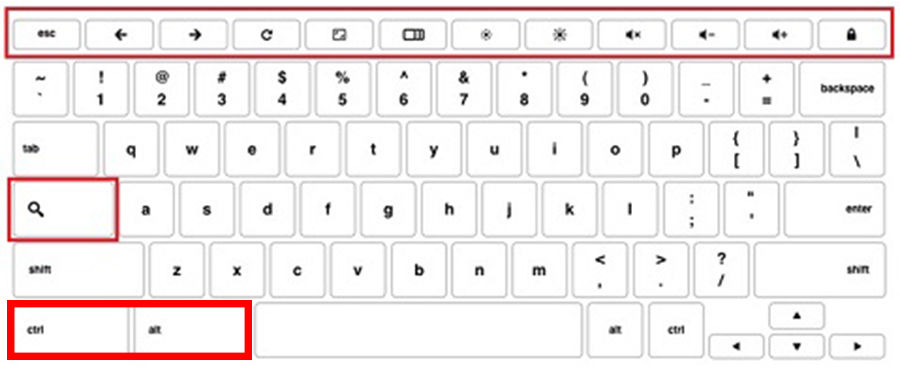
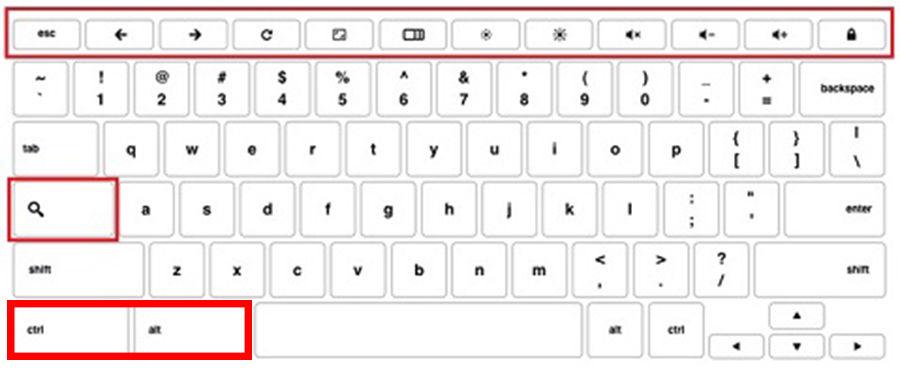
- Q3What does pressing the two keys shown in the picture (control key and switch to next window key) do?Take a screenshot of your computer screenShuts downOpens another windowMutes the sound30s
- Q4To select ALL the text or images in a document press...ctrl ashift actrl shift aalt a30s
- Q5What does pressing the three keys shown above let you do (ctrl shift and window shift)?Restarts the computerChanges the cursor to + and you can drag out to select part of the screen or document for a screenshotShuts down and saves documentsLets you edit a picture30s
- Q6What do these 3 keys do (alt shift m)?Opens the file managerLaunches chromeSleep modeShuts down30s
- Q7What do these 3 keys do? (ctrl shift Q)Opens the shut down window, pressing twice shuts downQuits the open documentMutes the soundOpens the Chrome browser30s
- Q8What do these two keys do together? (power and refresh) Caution!Hard reboot, if frozen it shuts down and restarts and you can loose any unsaved workRefreshes the browserRefreshes the screenLike an undo30s
- Q9What do these 3 keys do? ctrl shift LStarts a lookup windowCloses the file managerlocks the screen to the login windowAdds a link to an image30s