LMS - Categories of Computer Hardware
Quiz by Ms. Christine Matthews
Feel free to use or edit a copy
includes Teacher and Student dashboards
Measure skillsfrom any curriculum
Measure skills
from any curriculum
Tag the questions with any skills you have. Your dashboard will track each student's mastery of each skill.
With a free account, teachers can
- edit the questions
- save a copy for later
- start a class game
- automatically assign follow-up activities based on students’ scores
- assign as homework
- share a link with colleagues
- print as a bubble sheet
25 questions
Show answers
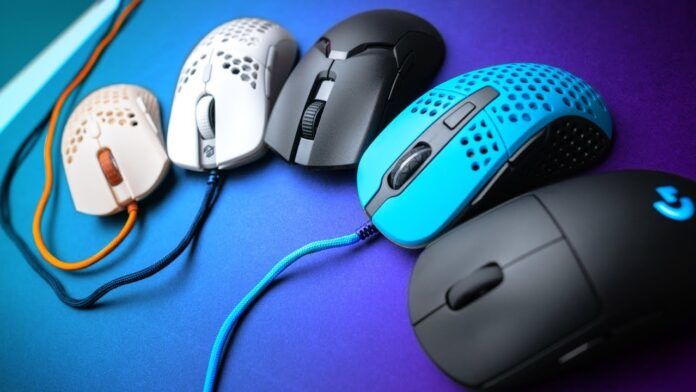
- Q1Categorize the device: MOUSEINPUTNeitherOUTPUTBoth INPUT and OUTPUT30s
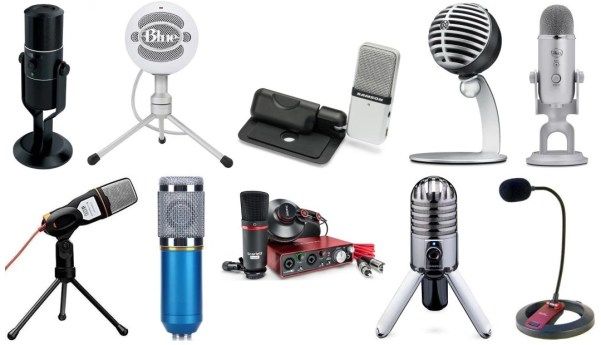
- Q2Categorize the device: MICROPHONEOUTPUTNeitherINPUTBoth INPUT and OUTPUT30s
- Q3Categorize the device: RAMINPUTSTORAGEOUTPUTPROCESSING30s
- Q4Categorize the device: MONITORINPUTSTORAGEPROCESSINGOUTPUT30s
- Q5Categorize the device: GAME CONTROLLERSSTORAGEOUTPUTPROCESSINGINPUT30s
- Q6Categorize the device: SPEAKERSBoth INPUT and OUTPUTOUTPUTNeitherINPUT30s
- Q7Categorize the device: DIGITAL CAMERA (or Web Cam)Both INPUT and OUTPUTNeitherOUTPUTINPUT30s
- Q8Categorize the device: TOUCHSCREEN TABLET (or TV)OUTPUTINPUTBoth INPUT and OUTPUTNeither30s
- Q9Categorize the device: CPUPROCESSINGINPUTSTORAGEOUTPUT30s
- Q10Categorize the device: PROJECTOROUTPUTINPUTPROCESSINGSTORAGE30s
- Q11Categorize the device: HARD DRIVEPROCESSINGOUTPUTINPUTSTORAGE30s
- Q12Categorize the device: INKJET PRINTERBoth INPUT and OUTPUTOUTPUTINPUTNeither30s
- Q13Categorize the device: VIDEO CAMCORDEROUTPUTNeitherBoth INPUT and OUTPUTINPUT30s
- Q14Categorize the device: HEADPHONES / EARBUDSINPUTOUTPUTPROCESSINGSTORAGE30s
- Q15Categorize the device: OPTICAL DISKOUTPUTPROCESSINGSTORAGEINPUT30s